
Trusted by 7,000+ SEO professionals worldwide
The Interactive Website Structure Analysis Tool That Maps Your Entire Link Graph
LinkBoss Site Visualizer crawls your site and renders an interactive network map — showing every internal link, orphan page, and topic cluster in one view. Now with Network Cluster Import: import Silo Networks and see how your content clusters connect to the rest of your site. See all LinkBoss features →
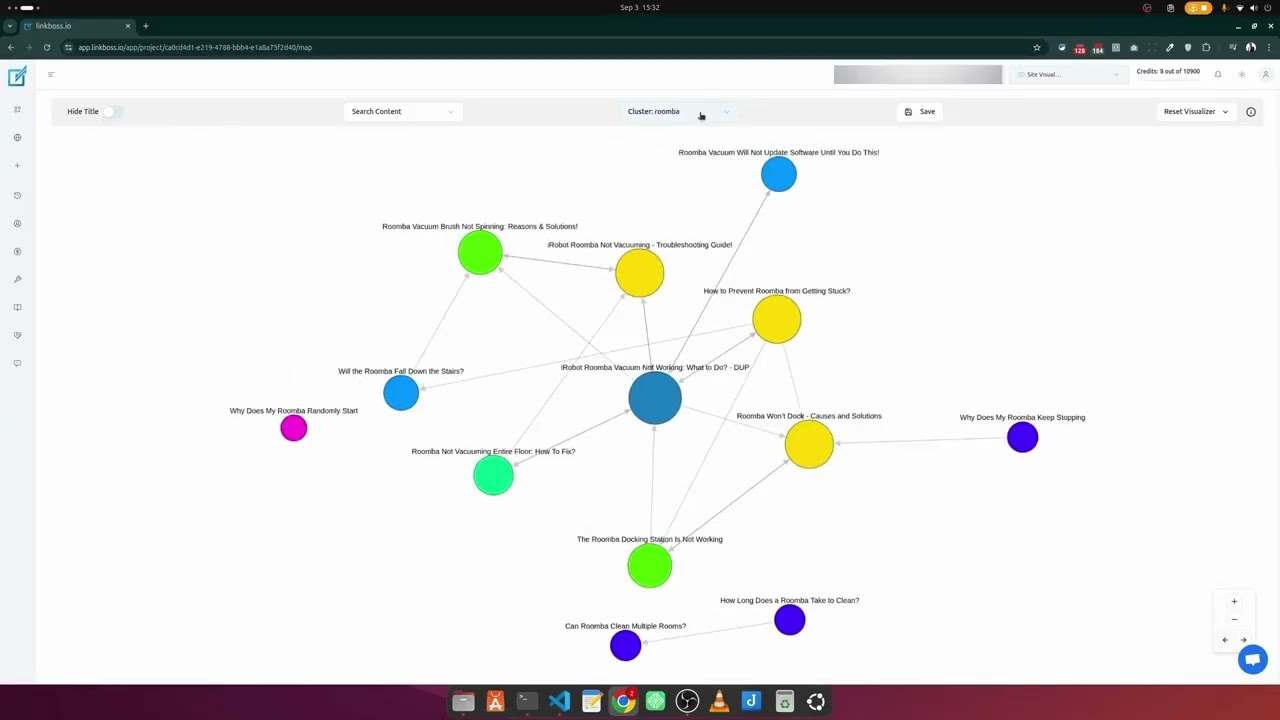
Video walkthrough: interactive site visualizer, network cluster import, orphan page detection, and topic cluster analysis with LinkBoss.
SEO Professionals Who Need Visual Site Analysis
Provide clear visual analysis to clients showing site structure gaps and optimization opportunities.
Scale site analysis across multiple clients with visual reports that showcase your expertise.
Identify content gaps and plan strategic internal linking for better topic authority.
Analyze complex site architectures at scale with collaborative visual tools.
Import Network Clusters & See Your Silo Architecture
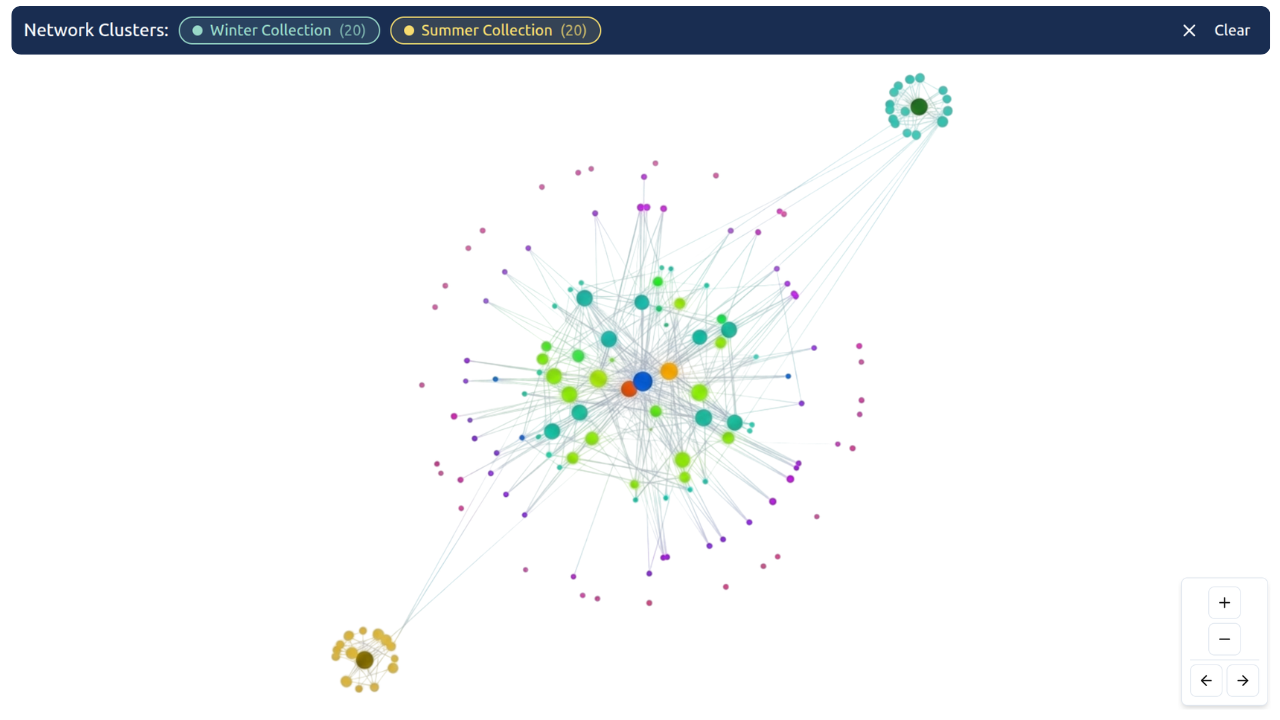
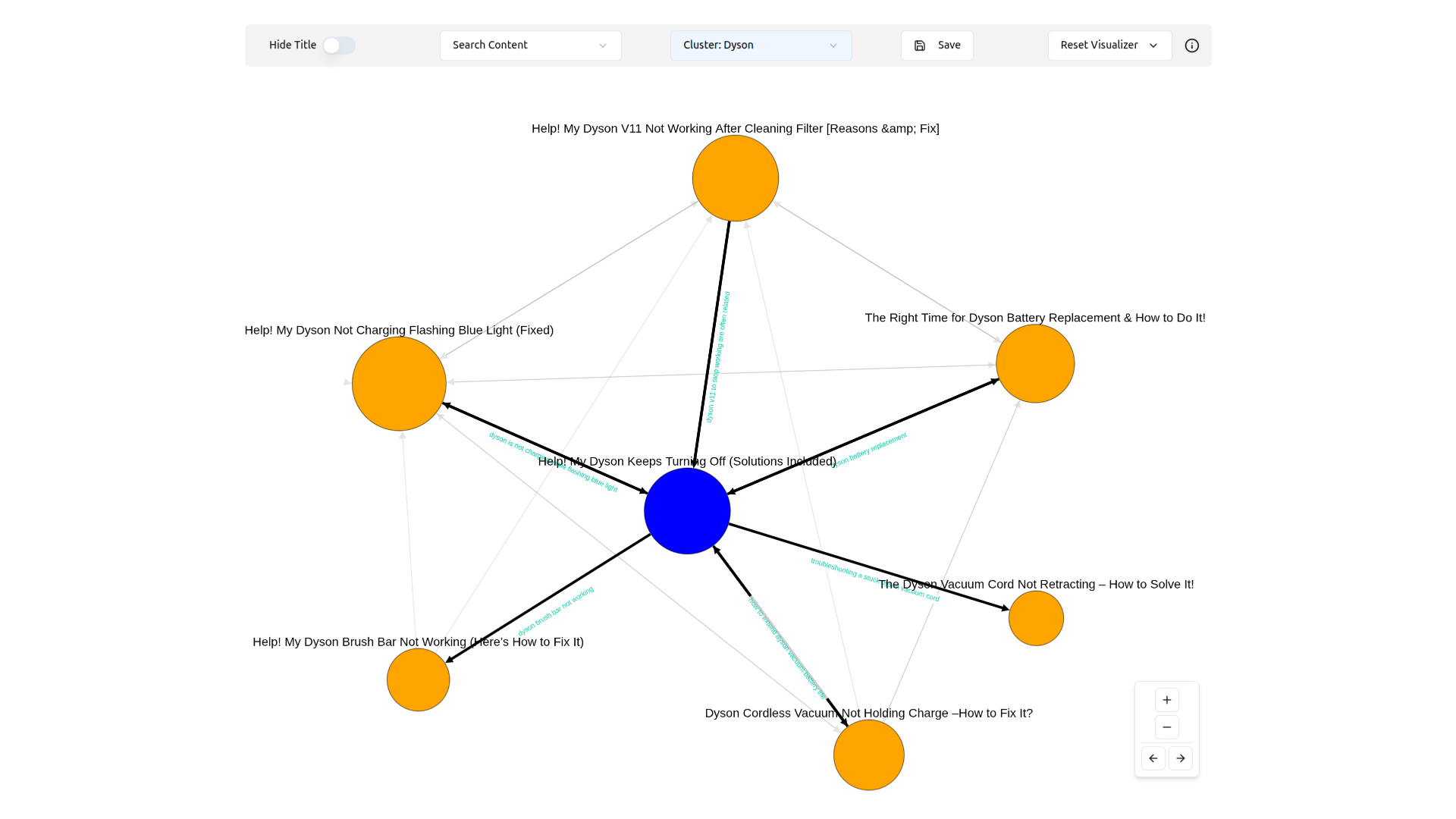
Import Silo Networks from the LinkBoss Custom Network tool and visualize exactly how your content clusters connect to the rest of your site. Essential for SEOs who enforce strict topic clustering.
Visualize How Your Silo Networks Connect to the Full Site
See incoming and outgoing links to cluster URLs — instantly. Spot external connections, validate cluster integrity, and find cross-cluster link leaks before they dilute your topic authority. This is the feature SEO professionals enforcing strict Silo Architecture have been waiting for.
Spot external connections — see which pages link to your clusters and where cluster pages link outward
Validate cluster integrity — confirm your Silo Networks are properly isolated or interconnected as designed
Find cross-cluster leaks — detect unintended links that dilute your topic authority before they hurt rankings
Traditional Website Structure Analysis Tools Leave You Blind
You know your site structure matters for SEO. But standard website structure analysis tools hide what you actually need to see.
From Chaos to Crystal Clarity
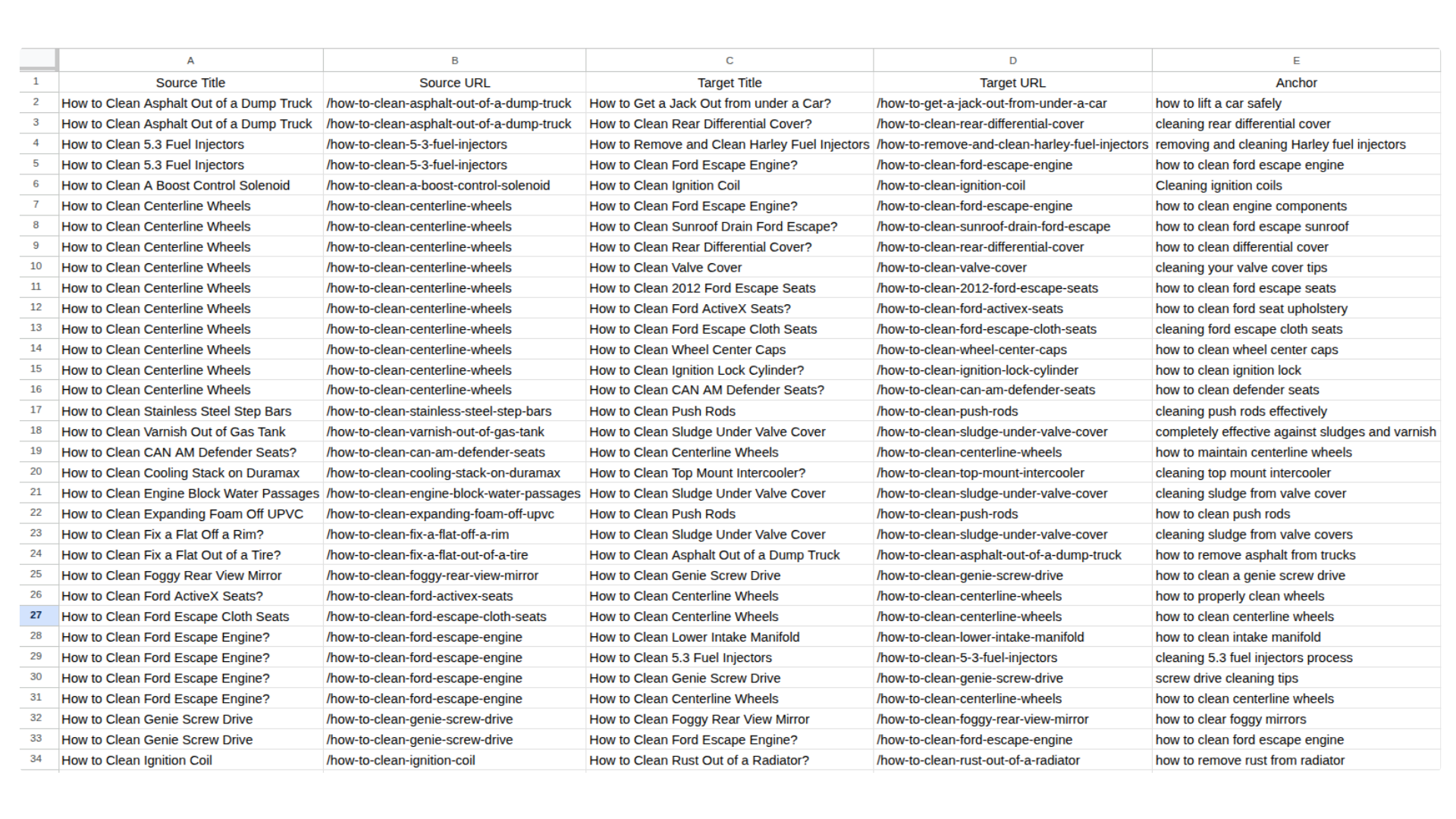
Endless spreadsheets, missed connections, and guesswork — leaving you unsure about your site’s true structure.
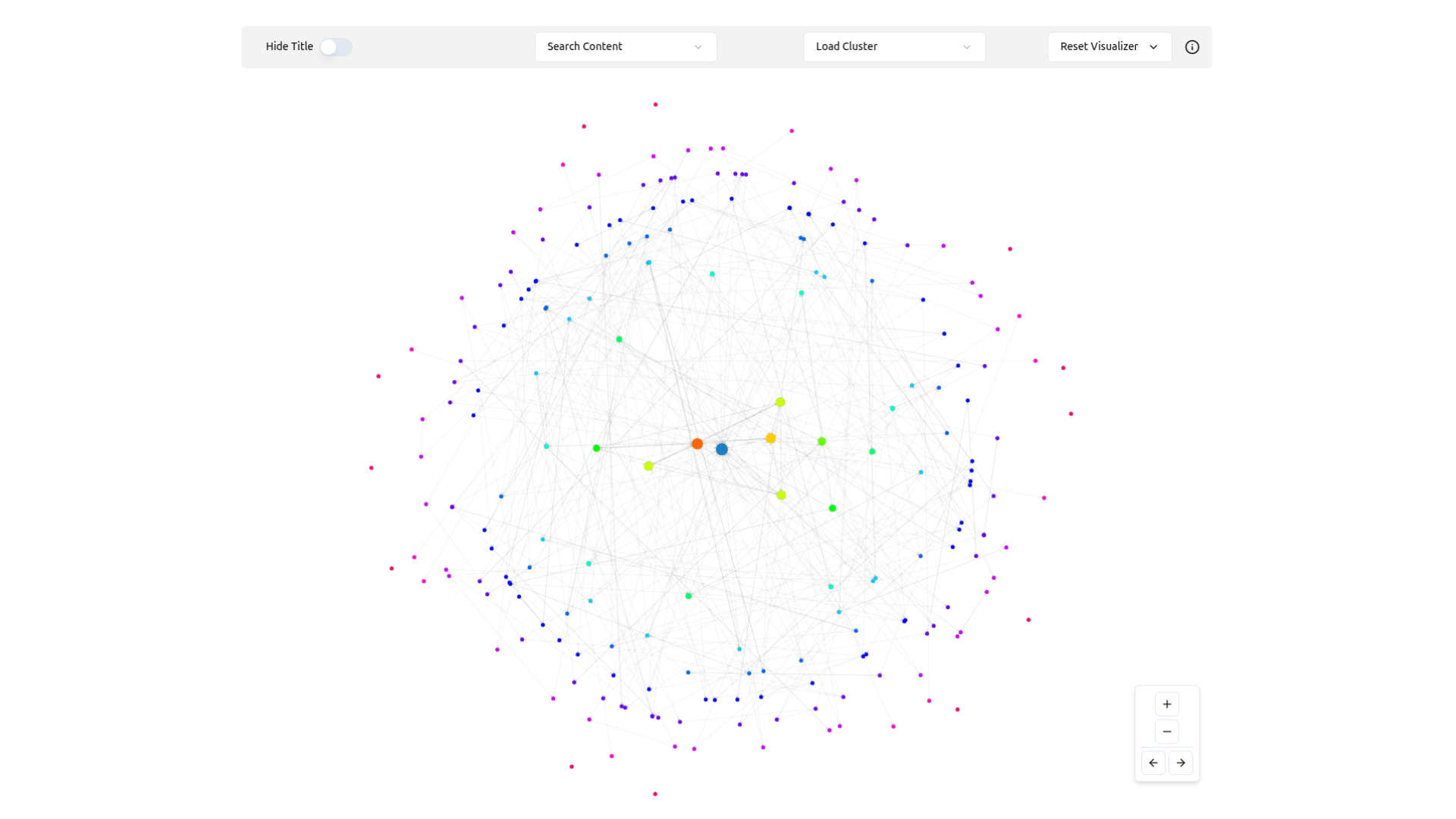
See every connection, cluster, and opportunity instantly. Navigate your link graph like a pro.
3 Critical Issues Site Visualizer Helps You Fix
Orphan Pages
Instantly spot pages with no incoming links. These pages are invisible to search engines and can’t rank without internal link authority flowing to them.
Deep Click Depth
Identify important content buried 4+ clicks from your homepage. If search engines struggle to reach a page, it won’t rank regardless of its content quality.
Internal Cannibalization
Visualize where different topic clusters overlap chaotically. Ensure your internal links clearly define which page is the authority for each topic — not multiple pages competing.
Built for Professional SEO Site Analysis
Every feature designed for precise, reliable website structure analysis at any scale.
Interactive Network Maps
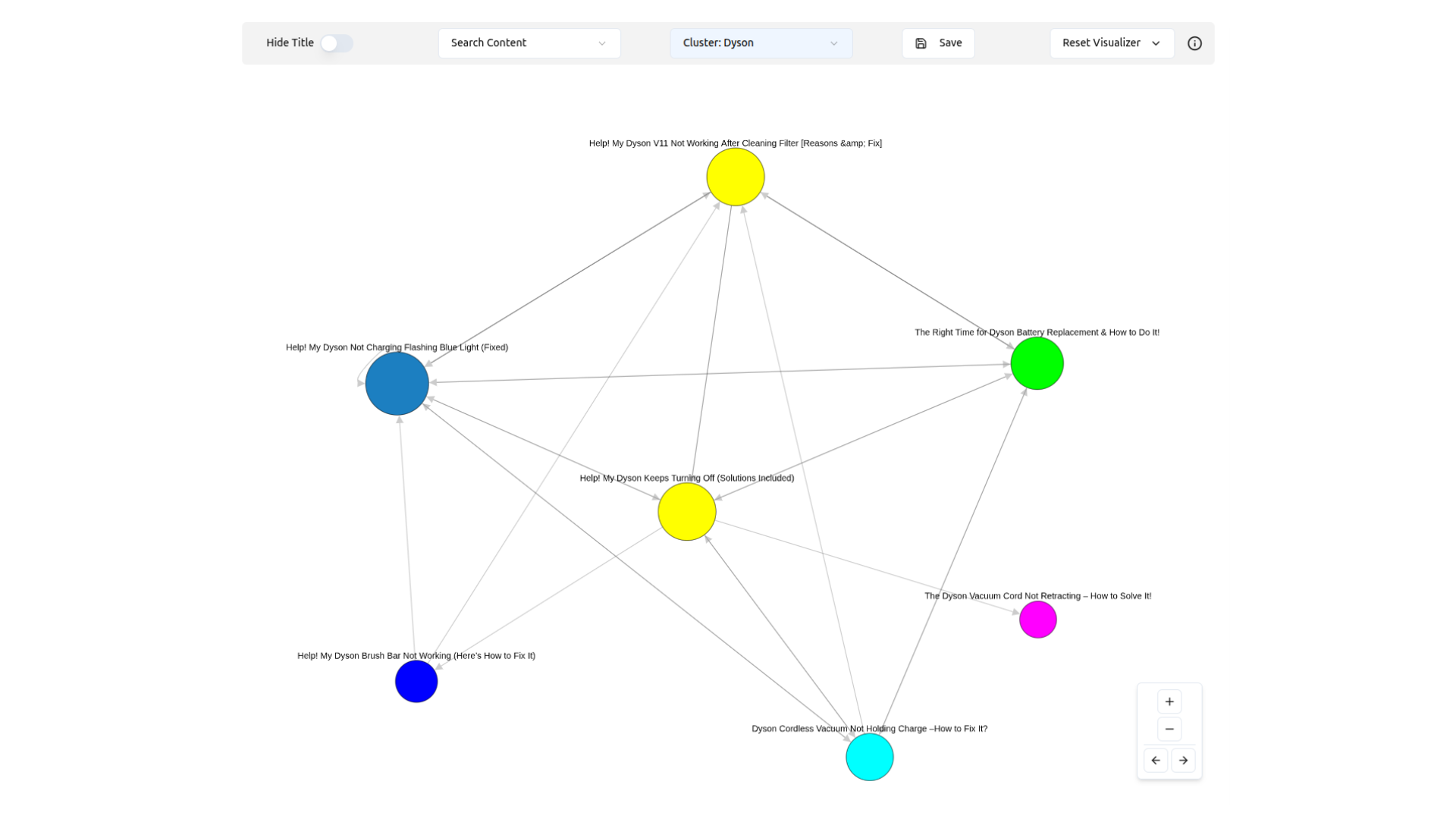
Explore your entire site structure as an interactive graph. Every page is a node, every link is a visible connection you can click to explore.
Smart Content Clustering
Group related content into focused clusters. Analyze topic relationships, identify gaps, and plan strategic improvements with visual precision.
Instant Search & Discovery
Find any page instantly and see its connections. Navigate complex site structures with unprecedented ease — no more digging through spreadsheets.
Import Network Clusters
Bring Silo Networks from LinkBoss Custom Network tool into the visualizer. See exactly how clusters connect to the full site architecture.
Dual Analysis Modes
Switch between full site overview and focused cluster analysis. Each view maintains independent customization and settings.
Real-Time Insights
Instant visual feedback as you explore. See link counts, cluster relationships, and structural patterns the moment you open any page.
Get Site Insights in Three Steps
Crawl & Visualize
LinkBoss Site Visualizer crawls your site and generates an interactive visual map of your entire link architecture in minutes.
Import Network Clusters
Bring your Silo Networks from the LinkBoss Custom Network tool directly into the visualizer. See exactly how clusters connect to your site architecture.
Analyze & Optimize
Dive deep into each cluster. Identify optimization opportunities, fix orphaned content, and plan strategic internal linking that improves rankings.
Why SEO Professionals Choose Site Visualizer
- Reduce site structure analysis time from weeks to minutes
- Discover hidden optimization opportunities instantly
- Identify orphaned content and weak link clusters
- Validate Silo Network integrity with cluster import
- Find cross-cluster link leaks before they hurt rankings
- Generate visual reports clients actually understand
- Analyze any site complexity with confidence
- Improve team collaboration with shared visual insights
What is Website Structure Analysis?
Why Visualize Your Site Architecture?
A visual site structure checker reveals issues that spreadsheets miss. By visualizing your internal link graph, you instantly spot orphan pages (pages with no incoming links), identify weak topic clusters, and ensure link authority flows effectively to your most important pages.
According to Google’s SEO starter guide, a well-organized site structure is a foundation for appearing in search results.
The Power of Topic Clustering
Modern SEO relies on semantic relevance. Visualizing your site reveals whether your content is properly grouped into topic clusters — tight groups of related content interlinking around a central pillar page.
With the new Network Cluster Import, you can now import Silo Networks you built in LinkBoss and see how they stand in relation to your entire site — incoming links, outgoing links, and cross-cluster connections all visible at once.
Frequently Asked Questions
How do I check my website structure?
What is the Network Cluster Import feature?
What can I learn from visualizing my site structure?
What are orphan pages?
Is there a free site structure analysis tool?
Ready to See Your Site Like Never Before?
Join thousands of SEO professionals who’ve replaced spreadsheets with visual intelligence. Transform complex link data into clear, actionable insights.